
AI Website Editor: Update Your Site by Simply Asking
Your website should change as fast as your business does. In Wraxa you can edit any text, block or image in a visual editor without code, or just write in chat what you want: "add a section about gift cards", "make the tone friendlier", "replace the hero photo". The AI makes the change and you review it.
Try the AI editor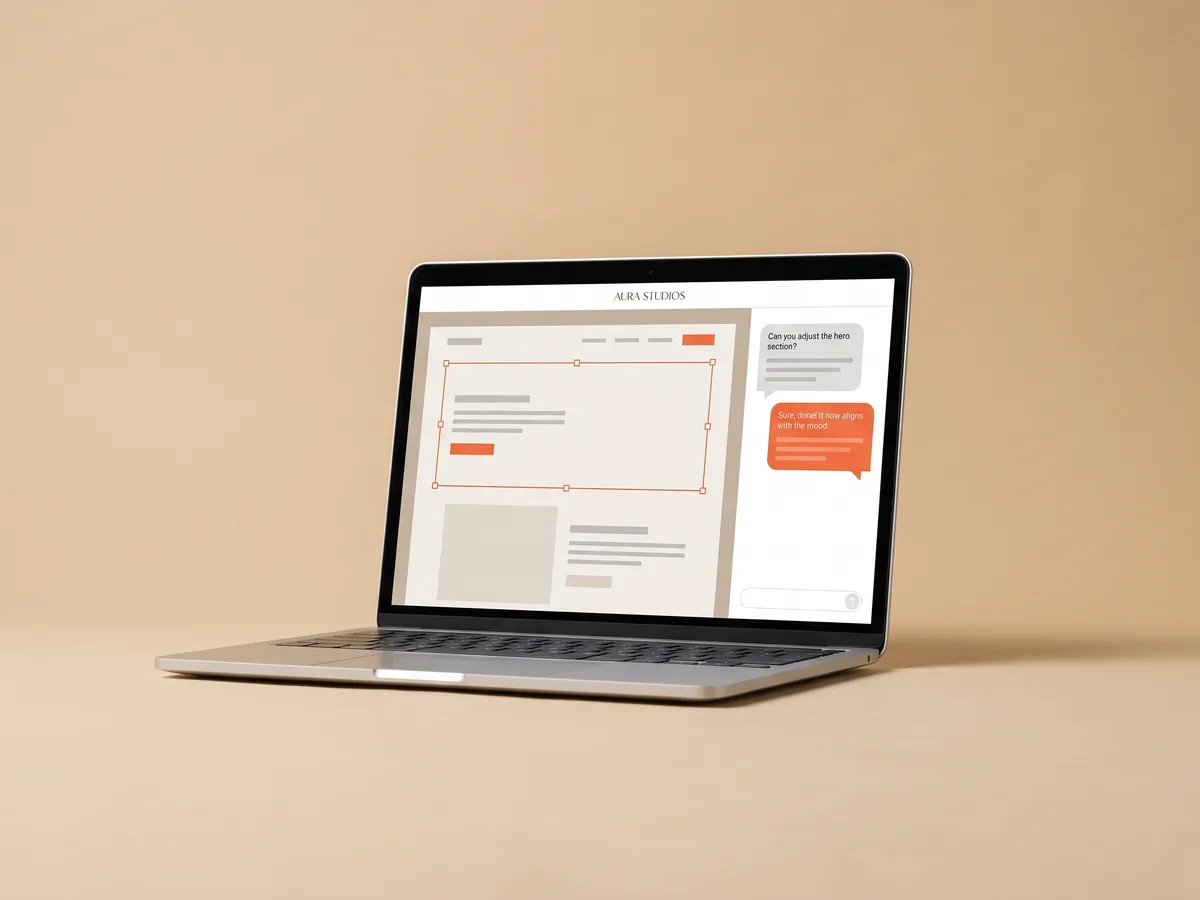
How it works
Open your site
Pick the page you want to change in the Wraxa editor.
Click or ask
Edit directly in the visual editor, or describe the change in chat in your own words.
Review and publish
Check the result on desktop and mobile and publish when it looks right.
Edit website without code or a developer
Changing a phone number or a price should not require a request to a web developer. In the visual editor you click on a headline, a paragraph or a picture and change it in place. There is no code view to deal with and nothing to break. Small fixes take seconds, so your site stays accurate instead of waiting for a quiet afternoon that never comes. start with a site built by AI
Try the AI editor
AI edits: describe the change in plain words
Some changes are easier to explain than to make by hand. Ask the AI in chat to rewrite the services section for a new audience, add a block with frequently asked questions, shorten every headline or create a new image for a section. The AI edits the site and you see the result right away. AI edits and images use tokens, and the subscription includes 100 of them each month. ask the AI for a landing page for a new offer
Try the AI editor
A visual editor that keeps the design consistent
When you replace a photo or add a section, it follows the same style as the rest of the site, so pages do not end up looking stitched together. Check how every change looks on a phone before publishing, since that is where most visitors will see it. If something does not look right, edit it again or ask the AI to adjust it. publish updates to your domain
Try the AI editor
Update website content as your business changes
New service, seasonal offer, new team member, different working hours: a site that still shows last year's prices costs you trust. With chat edits, updating website content becomes a two-minute job you can do from your phone between clients. Keep the site current, and watch in analytics whether the new offer brings more requests than the old one. track the effect in analytics
Try the AI editorQuestions & answers
What can the AI editor change?
Texts, blocks and images on your Wraxa site. You describe the change in chat, for example "add a pricing section" or "make the intro shorter", and the AI applies it.
Can I edit the site by hand instead?
Yes. The visual editor lets you change any text, block or image directly, without code. Use whichever is faster for the task.
How much do AI edits cost?
AI edits and AI-generated images use tokens. The Wraxa Sites subscription includes 100 AI tokens per month. Manual changes in the visual editor do not use tokens.
Do I need to know HTML or CSS?
No. Neither the visual editor nor the chat requires any code.
Can I edit my site from a phone?
Wraxa runs in the browser, so you can open your account on a phone. For bigger changes a computer is more comfortable.
Will the AI change parts I did not ask about?
The AI focuses on the change you describe. Always review the result before publishing, and if something is off, ask again or fix it in the visual editor.


Describe your business and get a website you can edit in plain words.
Try the AI editor