
Landing Page Builder That Turns Clicks Into Requests
Running ads or posting a link in your bio? Send people to a page built around one offer. Describe what you sell and who it is for, and Wraxa's AI writes the page, adds images and a lead form. Requests go straight into your CRM, and you can reply on WhatsApp in one tap.
Create a landing page
How it works
Describe the offer
One or two sentences: what you offer, to whom, and what the visitor should do next.
Review the page
The AI writes the headline, benefits and FAQ and adds a request form. Edit any block visually or in chat.
Publish and share
Go live on a wraxa.ai address or your domain and put the link into your ads, bio or messages.
A landing page for ads that matches the promise
When someone clicks an ad about a deep-cleaning service, they should land on a page about deep cleaning, not on your general homepage. A dedicated landing page keeps the message consistent: same offer, clear benefits, one action. With Wraxa you describe that single offer and the AI builds the page around it, so you can launch a page per campaign instead of sending everyone to the same place. compare traffic sources in analytics
Create a landing page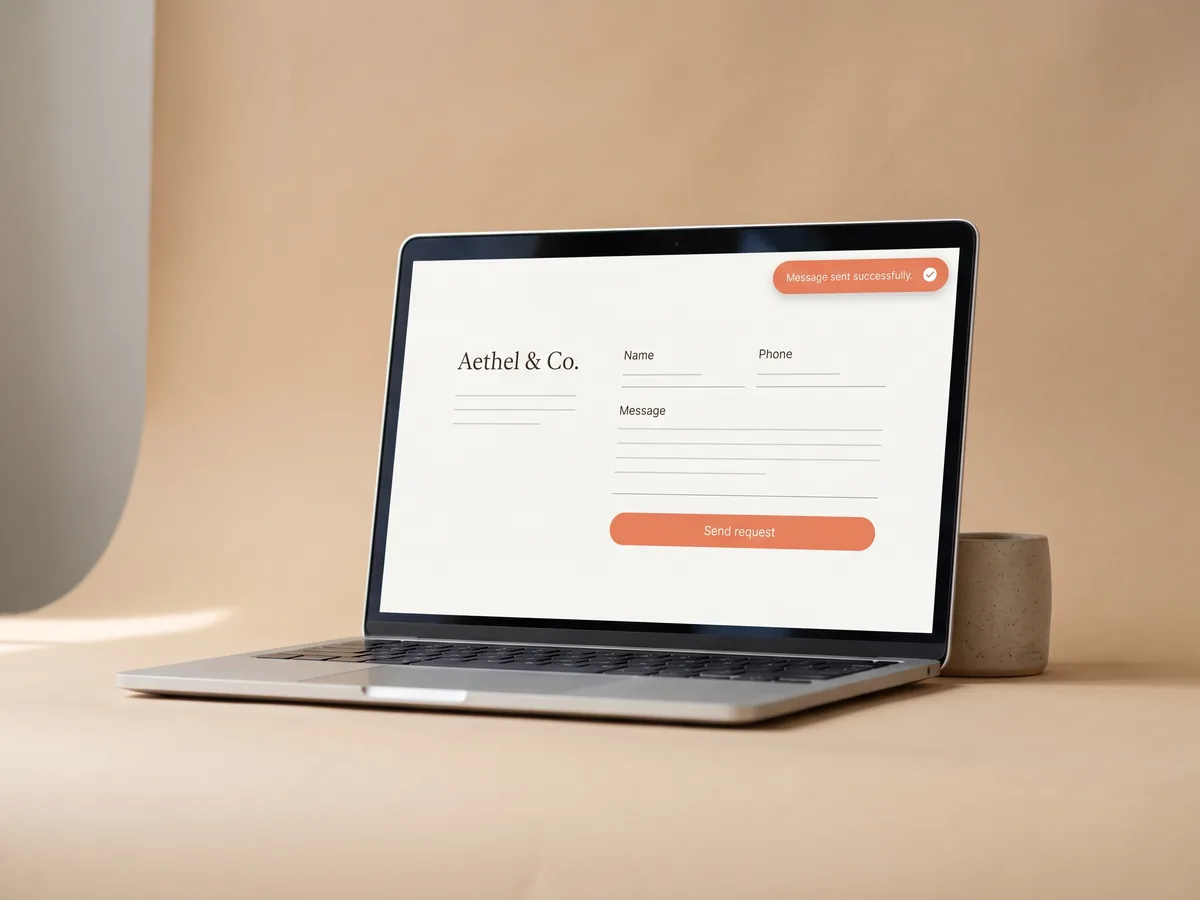
A landing page with lead form and CRM built in
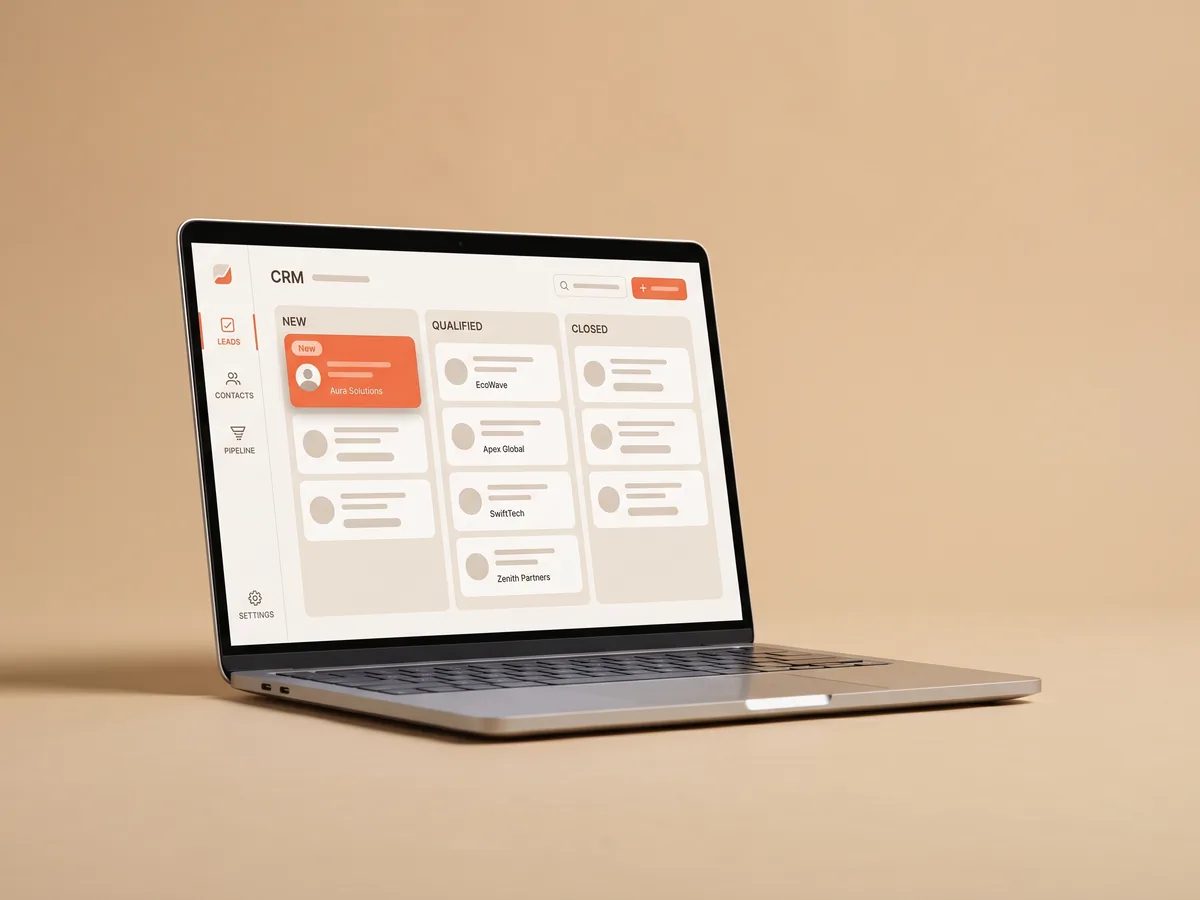
Every page gets a request form. Submissions do not disappear into an inbox: they land in the built-in CRM with the name, contact and message, so you can see who asked what and when. If the visitor left a phone number, open a WhatsApp chat with them in one tap and answer while they are still interested. Fast replies matter more than a perfect design. how the lead CRM works
Create a landing page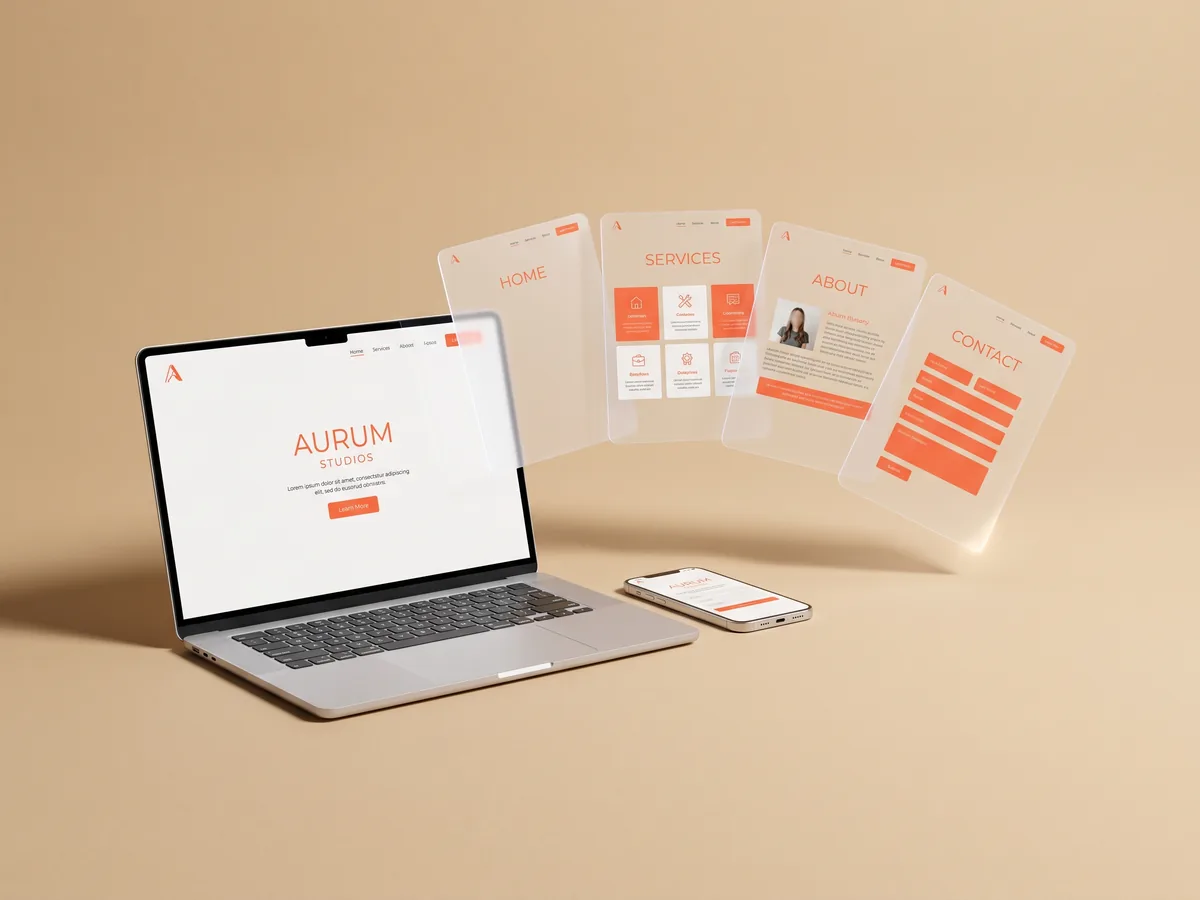
One-page website or a full site: start small
Not every business needs ten pages. A one-page website with your offer, a few photos, prices or terms and a form is often enough to start taking requests. Remove the blocks you do not need, reorder sections and change texts in the visual editor. When you grow, describe the new service and add it to the site instead of starting over. build a multi-page site with AI
Create a landing page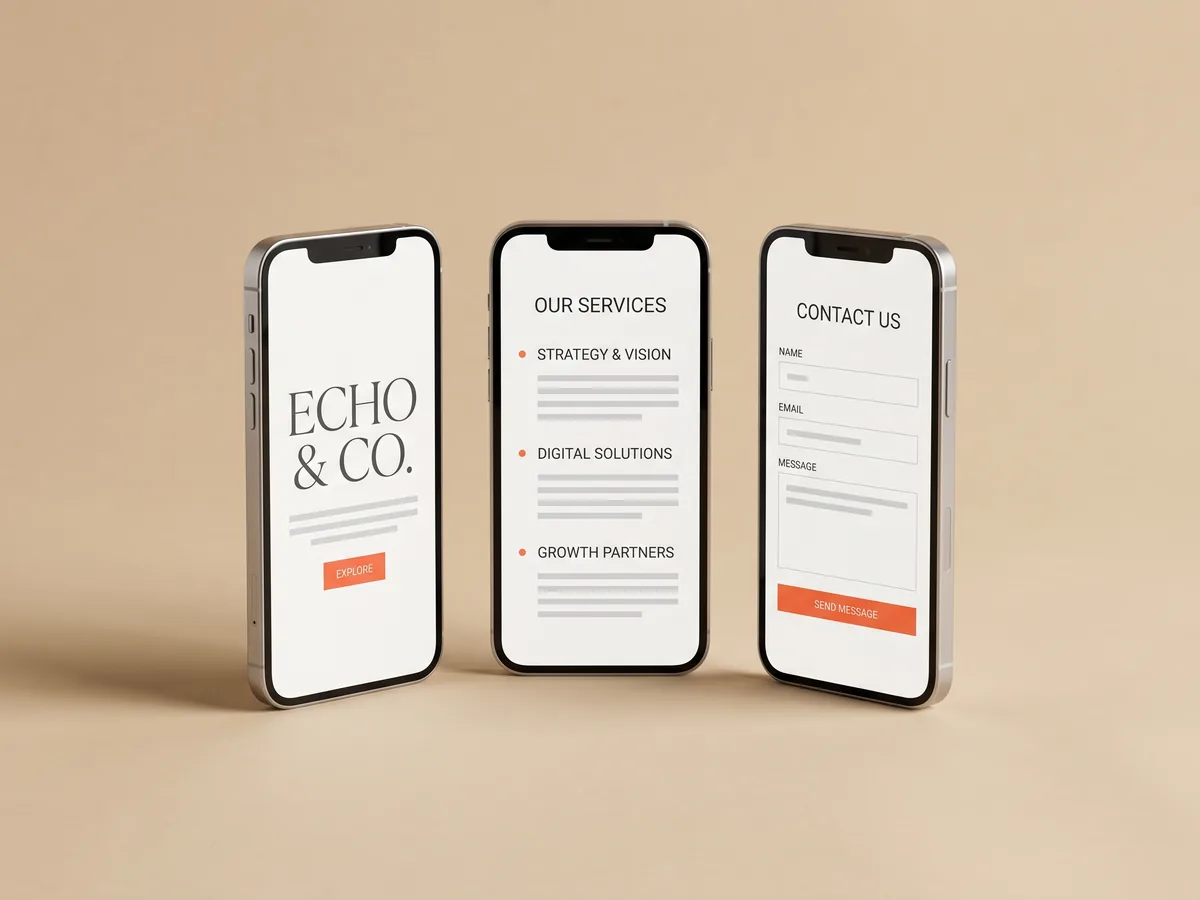
A mobile landing page by default
Most people will open your link from Instagram, TikTok or a messenger on a phone. Wraxa pages are made to work on mobile, with readable text, tap-friendly buttons and a form that is easy to fill with one thumb. Hosting and SSL are included, so the page loads over a secure connection without any setup on your side. reply to leads in WhatsApp
Create a landing pageQuestions & answers
What is a landing page and why do I need one?
A landing page is a page built around one offer and one action, such as leaving a request. It works best for ads and social media links, because visitors see exactly what they clicked for and are not distracted by the rest of your site.
How fast can I create a landing page with Wraxa?
The AI creates the first version in a few minutes from your description. After that you review the texts, swap in your photos and publish.
Where do form submissions go?
Into the built-in CRM in your Wraxa account. You see every request with contact details, and if there is a phone number you can open a WhatsApp chat in one tap.
Can I make several landing pages for different offers?
The Wraxa Sites subscription includes one published site. Inside it you can add sections for different services, so each offer has its own block with a request form.
Will a landing page increase my sales?
It can help, but no tool can promise that. Traffic still has to come from your ads, social media or search. A focused page with a clear offer and a quick reply on your side simply gives each visitor a better chance to become a client.
Can I edit the page without a designer?
Yes. Change texts, images and blocks in the visual editor without code, or describe the change in chat and let the AI make it.

Describe your business and get a website you can edit in plain words.
Create a landing page