
WhatsApp Leads: Reply to Website Requests Where Clients Chat
People leave a request and keep browsing your competitors. Whoever answers first usually wins. On a Wraxa site every request lands in the built-in CRM, and if the client left a phone number, you open a WhatsApp chat with them in one tap. No copying numbers, no saving contacts, just a fast first reply.
Get leads to WhatsApp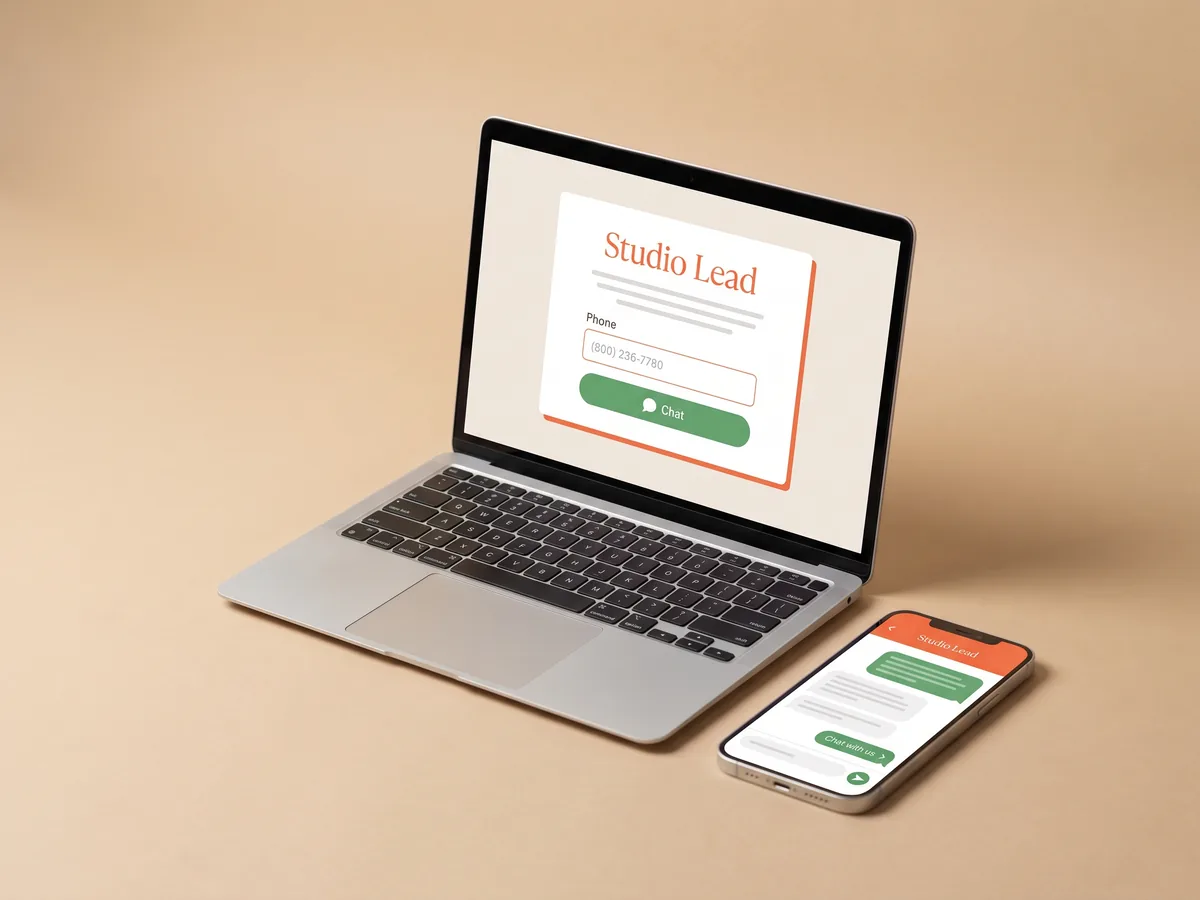
How it works
A visitor leaves a request
They fill in the form on your site with a name, phone number and a short message.
It appears in your CRM
You see the request in your Wraxa account with everything the client wrote.
Tap to chat
Open a WhatsApp chat with the client in one tap and send your first reply.
From website to WhatsApp without copying numbers
The usual routine is slow: get an email, copy the number, save the contact, find it in WhatsApp, type a greeting. By then the client may have already called someone else. Wraxa shortens it to one tap from the lead. The chat opens with the right person, and you can start with a reply to what they actually asked on the site. see how leads land in the CRM
Get leads to WhatsApp
A WhatsApp chat feels easier than a phone call
Many clients avoid calls: they are at work, on the go, or simply prefer to write. A WhatsApp chat lets them answer when convenient, send photos of what needs fixing or cleaning, and keep your details in one thread. For you it is also easier to share prices, photos of past work or a booking link in the same conversation. send a link to online booking
Get leads to WhatsApp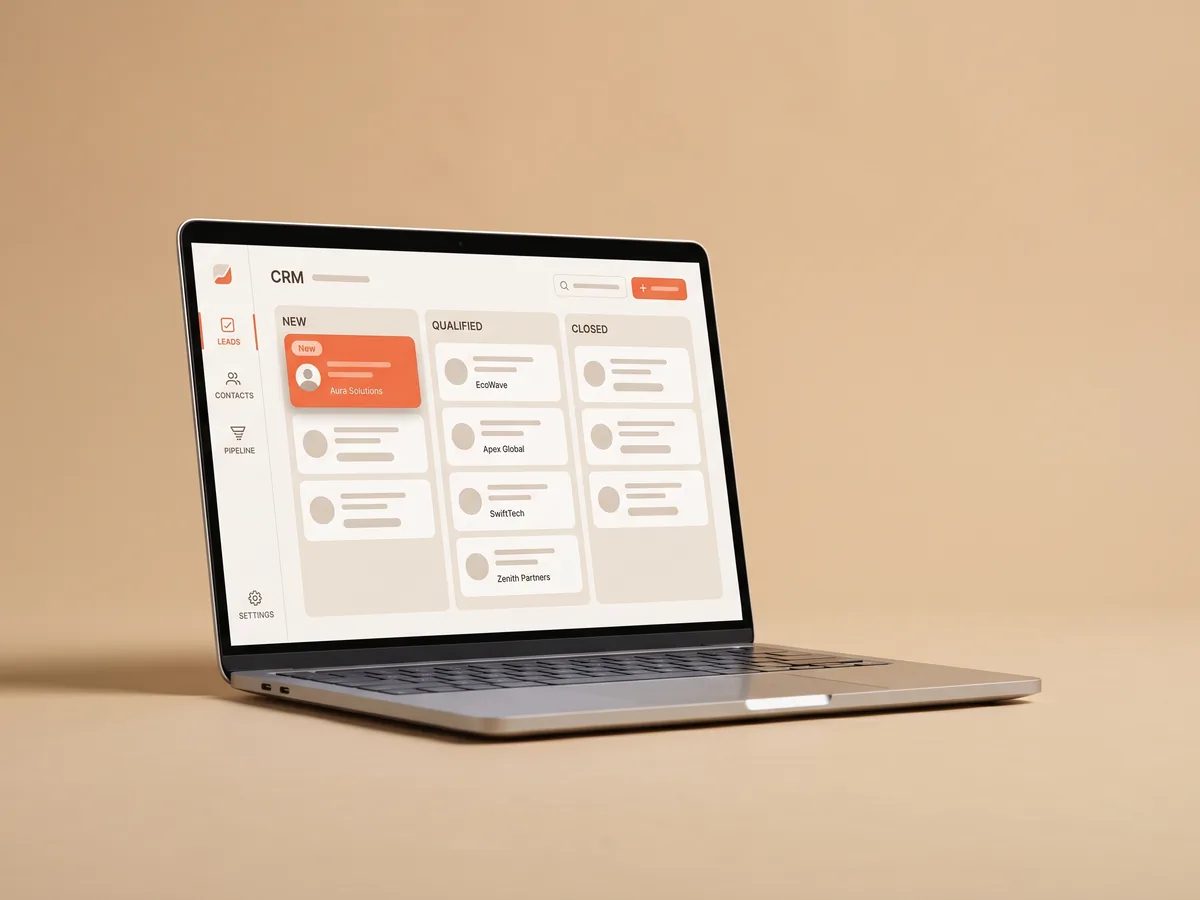
Follow up with leads before they cool down
A request is a moment of interest, and it fades fast. When you follow up with leads within minutes, the conversation is still about your offer; after a day, it is about why they should pick you over the three others they contacted. Keep the CRM open on your phone, and every new request is one tap away from a reply. see which channels bring requests
Get leads to WhatsApp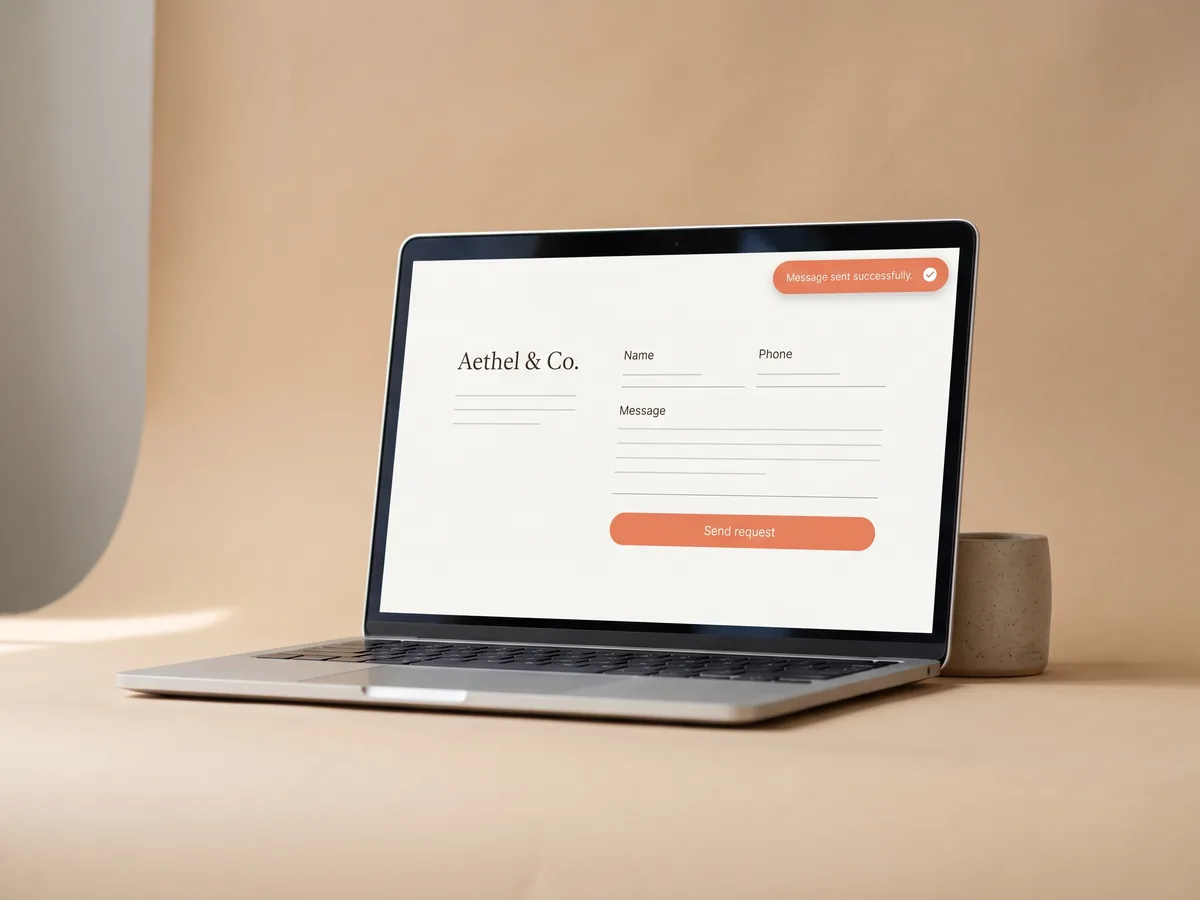
WhatsApp for business, starting from your site
Your site does the first part of the conversation: it explains the services, shows the work and collects the request with a phone number. WhatsApp takes it from there. This pairing suits service businesses where every client is a conversation, like renovation, cleaning, beauty or consulting, and where a quick personal reply matters more than an automated email. build a site that collects requests
Get leads to WhatsAppQuestions & answers
How do WhatsApp leads work in Wraxa?
A visitor fills in the request form on your site. The request lands in the built-in CRM, and if it has a phone number, you open a WhatsApp chat with that client in one tap.
Do I need the WhatsApp Business API?
No. The one-tap button opens a regular chat in the WhatsApp app on your phone or computer, so you can reply from the account you already use.
Does Wraxa send messages for me automatically?
No. Wraxa opens the chat with the right client, and you write the reply yourself. That keeps the conversation personal.
What if the client did not leave a phone number?
The request still appears in the CRM with the contact details they did leave, so you can answer the way they asked.
Is this included in the subscription?
Yes. The CRM and the one-tap WhatsApp chat are part of the Wraxa Sites subscription, along with booking, analytics and 100 AI tokens per month.
Will this bring more clients?
It will not bring more visitors, but it helps you answer the people who already reached out faster. For many service businesses that is where clients are won or lost.

Describe your business and get a website you can edit in plain words.
Get leads to WhatsApp