
Online Booking System: Let Clients Book Right on Your Website
Stop answering "do you have anything on Thursday?" ten times a day. Wraxa adds online booking to your website: clients choose a service and an open time slot on their own, from their phone, even late at night. You get the booking in your account and spend the saved time on actual work.
Add online booking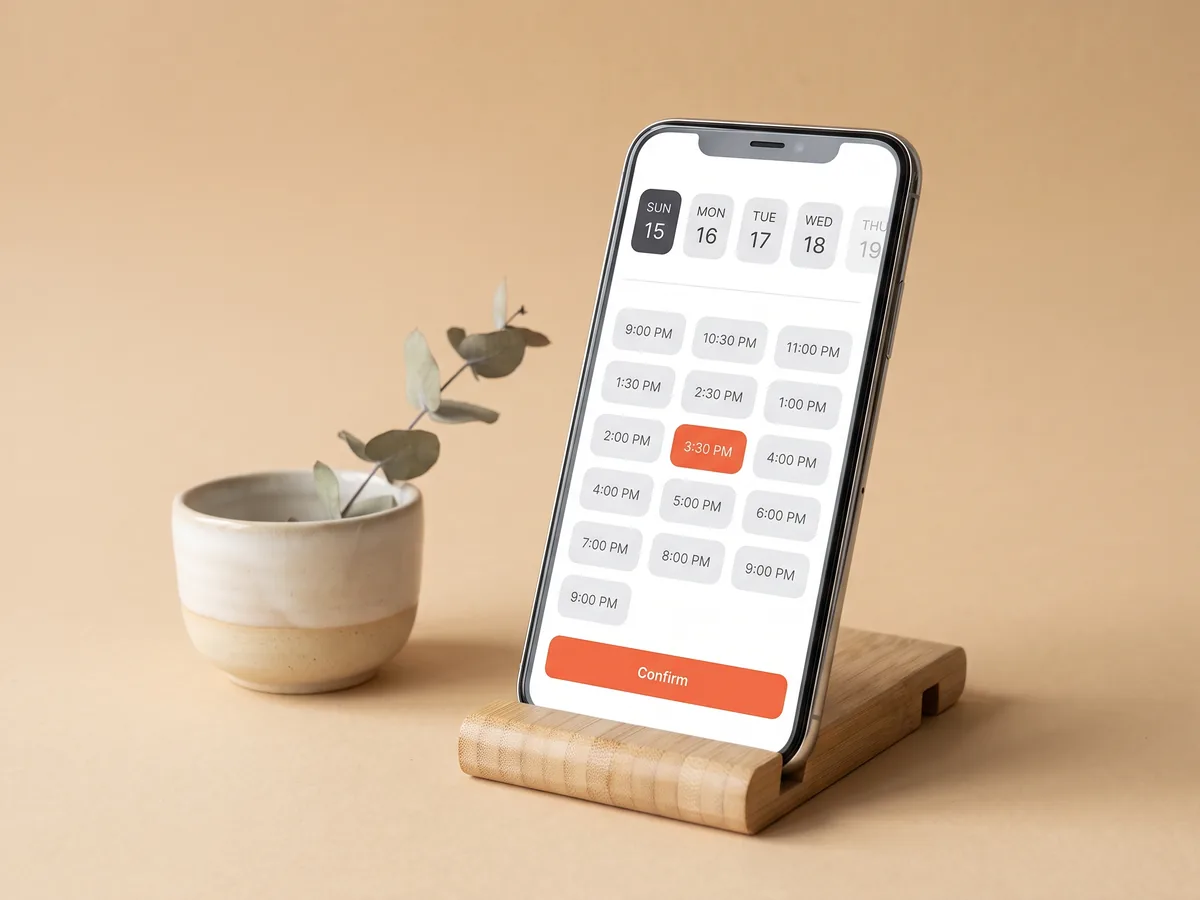
How it works
Add your services
List what clients can book, so they choose the exact service they need.
Set available time
Mark when you work, and clients only see slots that are actually open.
Share the link
Put the website in your bio, ads and messages. Clients book in a few taps.
Online appointment booking without the phone tag
Every booking that goes through messages costs a few rounds of questions: which service, which day, which time, is that slot still open. Online appointment booking turns that into a few taps. The client sees your services and the open slots, picks what fits and confirms. You stay with the client in the chair instead of answering chats, and late-night visitors can book instead of forgetting about you by morning. still prefer to talk? Reply on WhatsApp in one tap
Add online booking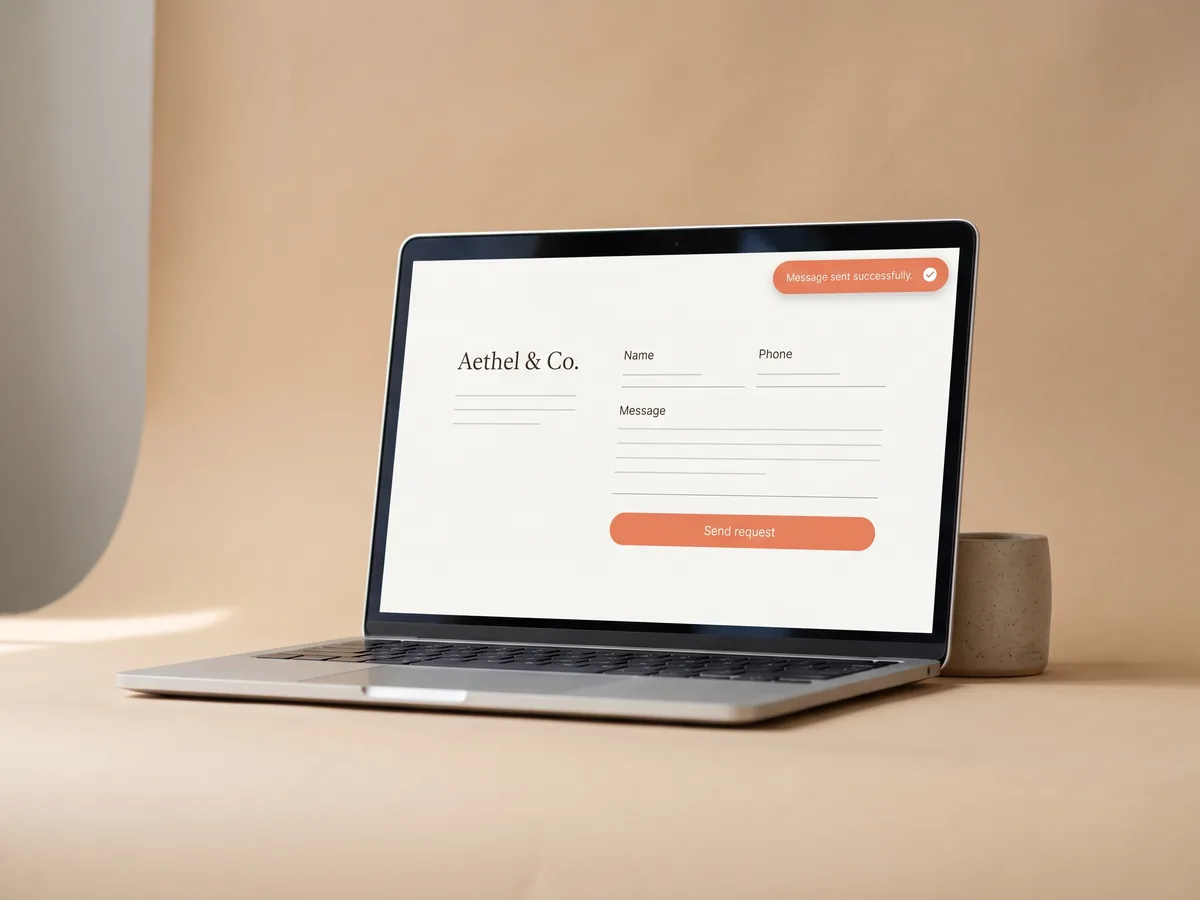
A booking form for website visitors, built in
There is no separate booking app to install and no widget to paste into code. Booking is a module of your Wraxa site, so it matches the design and lives on the same address as your services and prices. Visitors who come from Instagram, Google Maps or an ad see your offer and book in the same place, without jumping between tools. create a site with booking in minutes
Add online booking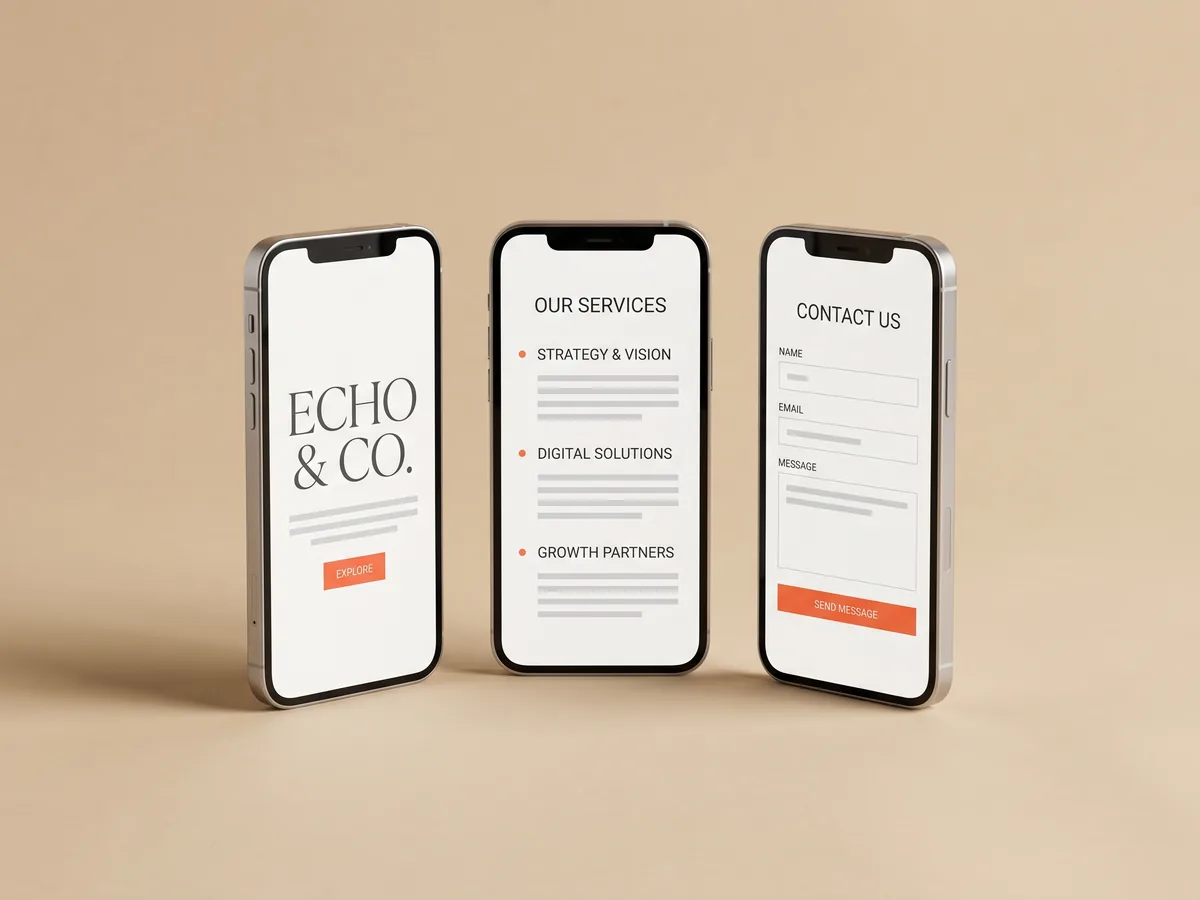
Book appointments online from any phone
Most clients book from a phone between other things, so the flow is built for small screens: big buttons, clear time slots and short steps. Nobody has to create an account or download anything to book. That matters most for first-time clients, who will not bother with a complicated process and will simply book with whoever makes it easier. publish on your own domain
Add online booking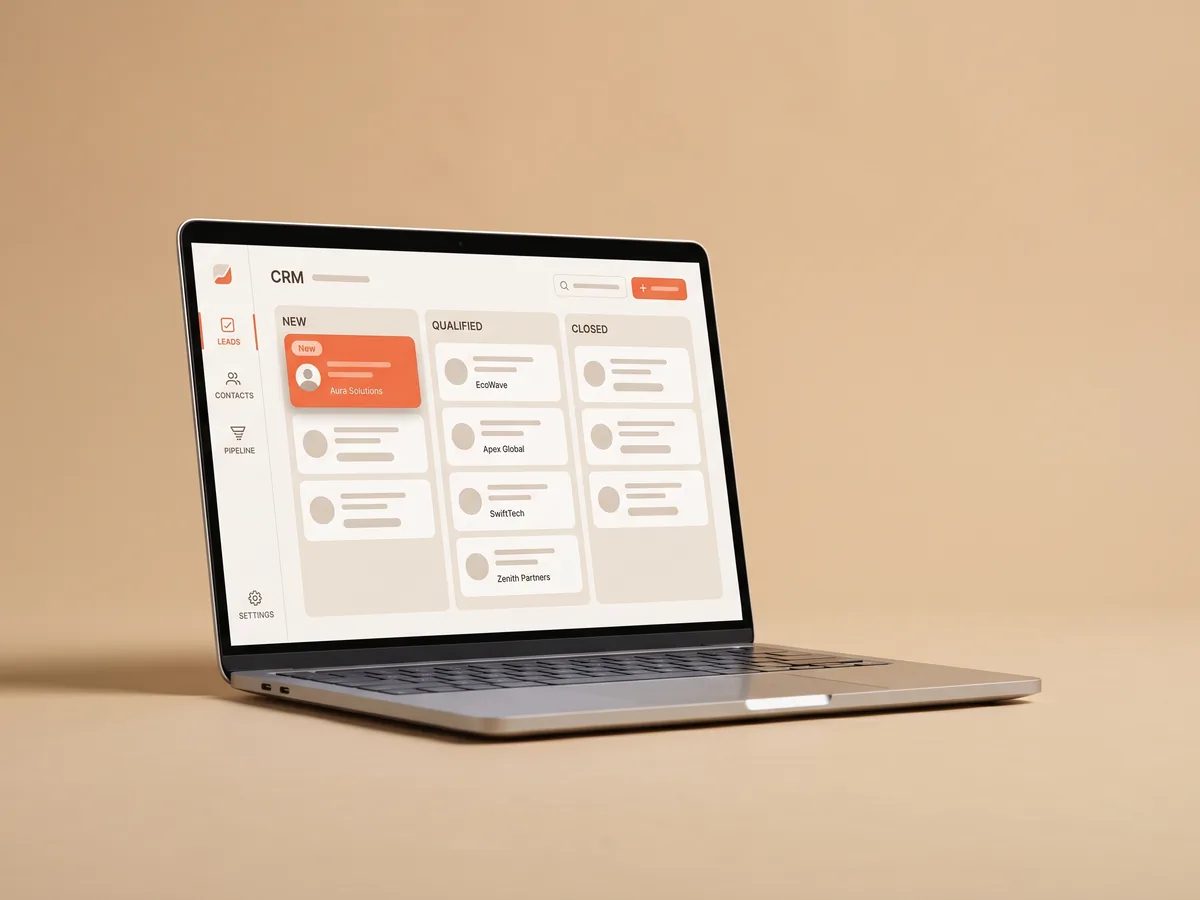
Online scheduling and leads in one account
Not every visitor is ready to book. Some want to ask a question first, so the site also has a request form, and those requests go to the built-in CRM. Bookings and requests stay in one account, and analytics shows where your visitors came from. You can see whether bookings follow your posts, your ads or search, and put your effort where it pays off. how the lead CRM works
Add online bookingQuestions & answers
How does online booking work on a Wraxa site?
1. You add your services and working hours.
2. A client opens your site and chooses a service.
3. They pick an open time slot and confirm.
4. You see the booking in your Wraxa account.
Do clients need to install an app or sign up?
No. They book right on your website in the browser, from a phone or a computer.
Which businesses is online booking for?
Any business that sells time: beauty salons, barbershops, fitness studios, therapists, tutors, consultants and similar services.
Can I add booking to the site I already have elsewhere?
Booking is part of a Wraxa site. You can publish your Wraxa site on your own domain and use it as your main website, or link to it from your existing pages and social profiles.
Is online booking included in the subscription?
Yes. The Wraxa Sites subscription includes online booking together with the lead CRM, analytics, hosting and 100 AI tokens per month.
Will online booking fill my schedule?
Booking makes it easier for interested people to commit, but it does not create demand. Clients still need to find you through social media, ads, search or referrals.
Describe your business and get a website you can edit in plain words.
Add online booking