
CRM for Website Leads: See Every Request and Answer It Fast
Requests scattered across email, direct messages and sticky notes get forgotten, and forgotten requests are lost clients. On a Wraxa site every form submission goes into a built-in CRM: name, contact, message and when it arrived. Open a lead, call or message on WhatsApp in one tap, and keep track of who you already answered.
Start collecting leads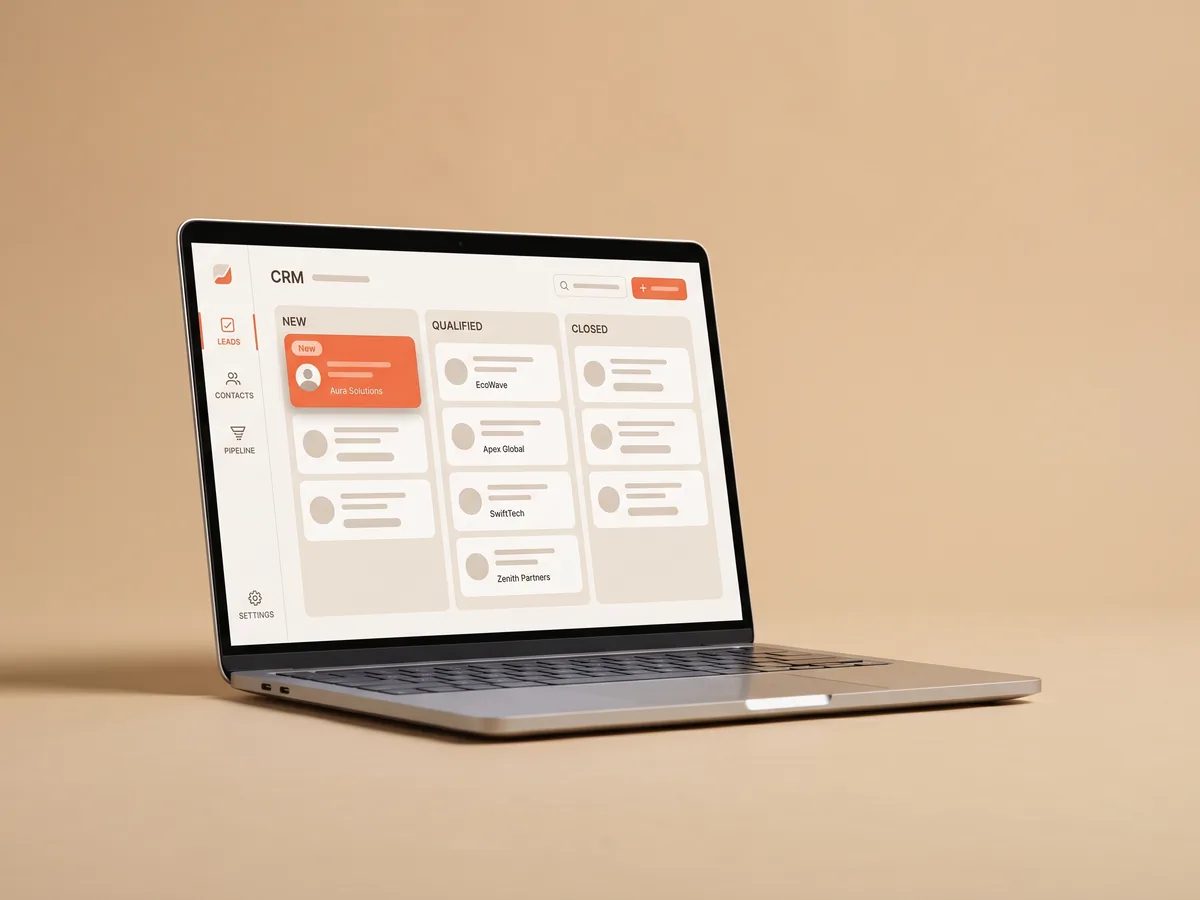
How it works
Publish your site
Lead forms are part of every Wraxa site, so there is nothing extra to set up.
Get requests
Each submission appears in the CRM with the visitor's contact details and message.
Reply in one tap
Open a lead and start a WhatsApp chat with the client while they are still interested.
Contact form to CRM, with no setup
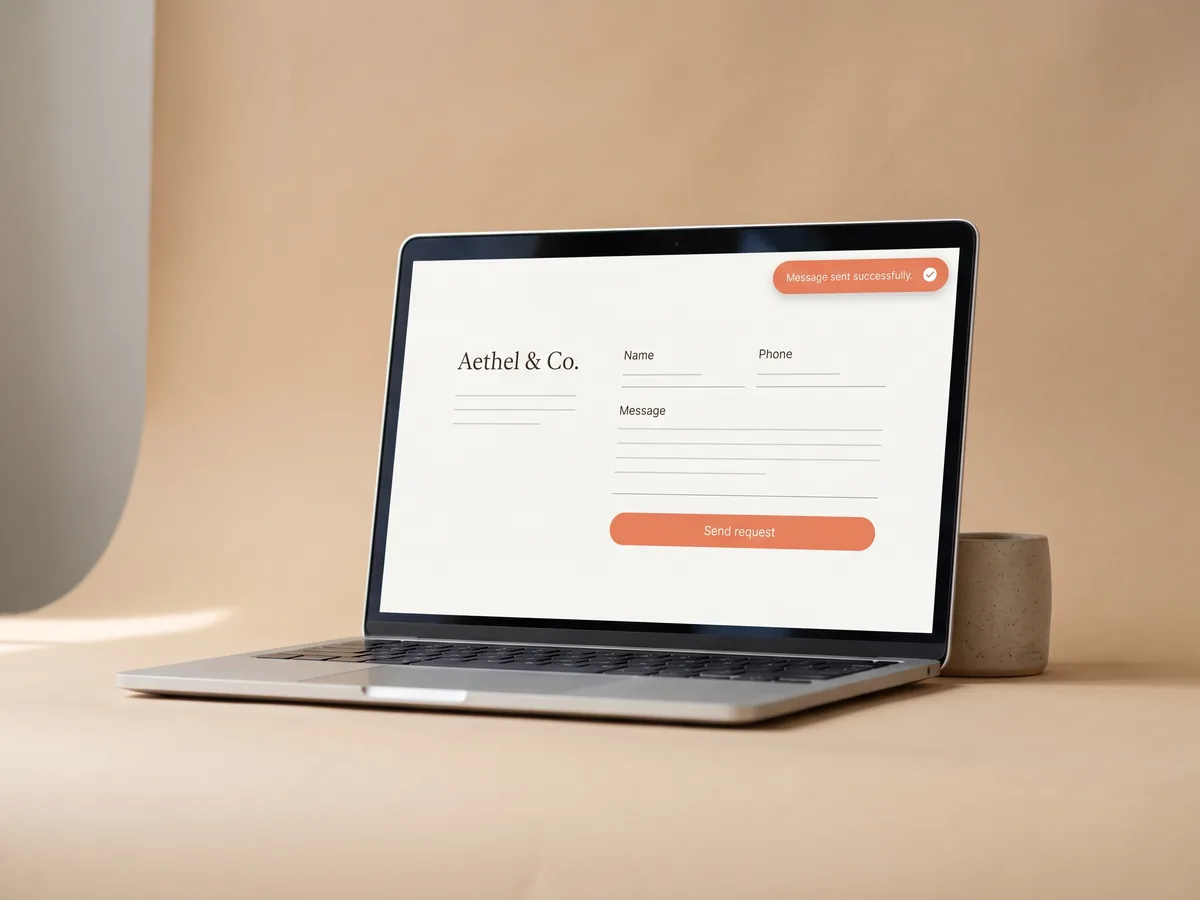
On most builders a contact form sends an email, and connecting it to a CRM means extra services and integrations. Here the form and the CRM come together. A visitor fills in the form, and the request appears in your Wraxa account a moment later. You do not need to learn a sales system or pay for one separately: the CRM is part of the Wraxa Sites subscription. add a lead form to a landing page
Start collecting leadsLead management that fits a small team
Large CRMs are built for sales departments with pipelines and reports nobody at a small business has time for. Lead management in Wraxa stays simple: a list of requests, the details of each one and a quick way to reach the person. It works for a solo specialist and for a small team that wants every request answered, not for a sales manager building forecasts. answer leads on WhatsApp
Start collecting leads
Small business CRM and WhatsApp, side by side
Most clients would rather chat than talk on the phone. If a visitor left a phone number, open a WhatsApp chat with them right from the lead in one tap, without saving the contact first. The first reply is what often decides who gets the job, so the faster you answer, the less chance the client books someone else in the meantime. let clients book a slot themselves
Start collecting leads
Lead tracking: where your requests come from
Requests are only half of the picture. Built-in analytics shows visits, traffic sources and leads, so you can compare a month of posts with a month of ads, or see whether a new offer on the site brought more requests. Use it to decide where to spend your time and budget, instead of guessing which channel works. open website analytics
Start collecting leadsQuestions & answers
What does the Wraxa CRM do?
It collects every request from the forms on your Wraxa site in one list with the visitor's contact details and message, so you can review and answer leads in one place.
Do I need to connect the form to the CRM?
No. Lead forms on a Wraxa site send requests to the built-in CRM automatically.
Can I reply to a lead on WhatsApp?
Yes. If the client left a phone number, you open a WhatsApp chat with them in one tap from the lead.
Can I use the CRM with a site built somewhere else?
The CRM receives requests from Wraxa sites. If you move your main website to Wraxa, all form submissions will flow into it.
Is the CRM included in the price?
Yes. The Wraxa Sites subscription includes the CRM together with one published site, online booking, analytics and 100 AI tokens per month.
Will the CRM get me more leads?
The CRM does not bring visitors. It makes sure that every person who leaves a request is seen and answered, which is where many small businesses quietly lose clients.

Describe your business and get a website you can edit in plain words.
Start collecting leads