
Custom Domain and Hosting: Your Site Live on Your Own Address
A website is only useful once people can open it. Publish your Wraxa site on a wraxa.ai address the moment it is ready, then connect your own domain in a couple of minutes when you want a branded address. Hosting and SSL are included, so there are no servers, certificates or renewals to manage.
Publish my website
How it works
Publish on wraxa.ai
Your site gets its own wraxa.ai address and goes live right away.
Connect a domain
Add a domain you own and update its DNS records with your registrar.
Share your address
Once it connects, the site opens on your domain over a secure connection.
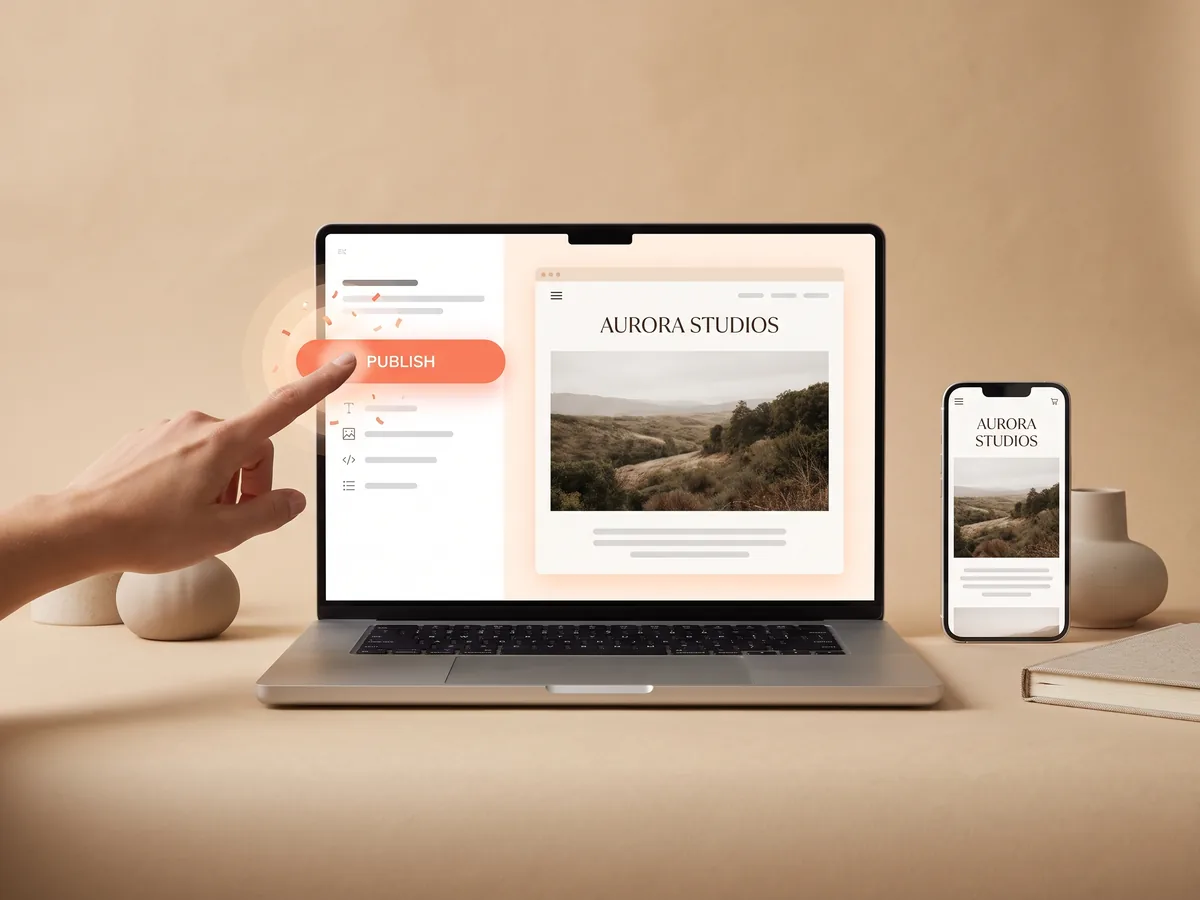
Start on a wraxa.ai address, no waiting
You do not have to buy a domain before you can launch. Every Wraxa site can be published on its own wraxa.ai address as soon as it is ready, so you can start sending the link to clients, putting it in your bio and testing ads the same day. Connect a branded domain later, when you are happy with the content. create a site to publish
Publish my websiteConnect a domain you own in a couple of minutes
Already have a domain from a registrar? Add it in your Wraxa account and update the DNS records the way the setup screen shows. It takes a couple of minutes of your time; the change then spreads across the internet on its own. A branded address looks more trustworthy on business cards, in ads and in messages, and it is easier for clients to remember. see visits once you are live
Publish my website
Website hosting and SSL certificate included
There is no separate hosting plan to choose and no server to configure. Website hosting comes with the Wraxa Sites subscription, and every site is served over HTTPS with an SSL certificate, so browsers show it as secure and visitors are not scared off by warnings when they fill in a form. Updates you make in the editor go live when you publish them. update your site in the AI editor
Publish my website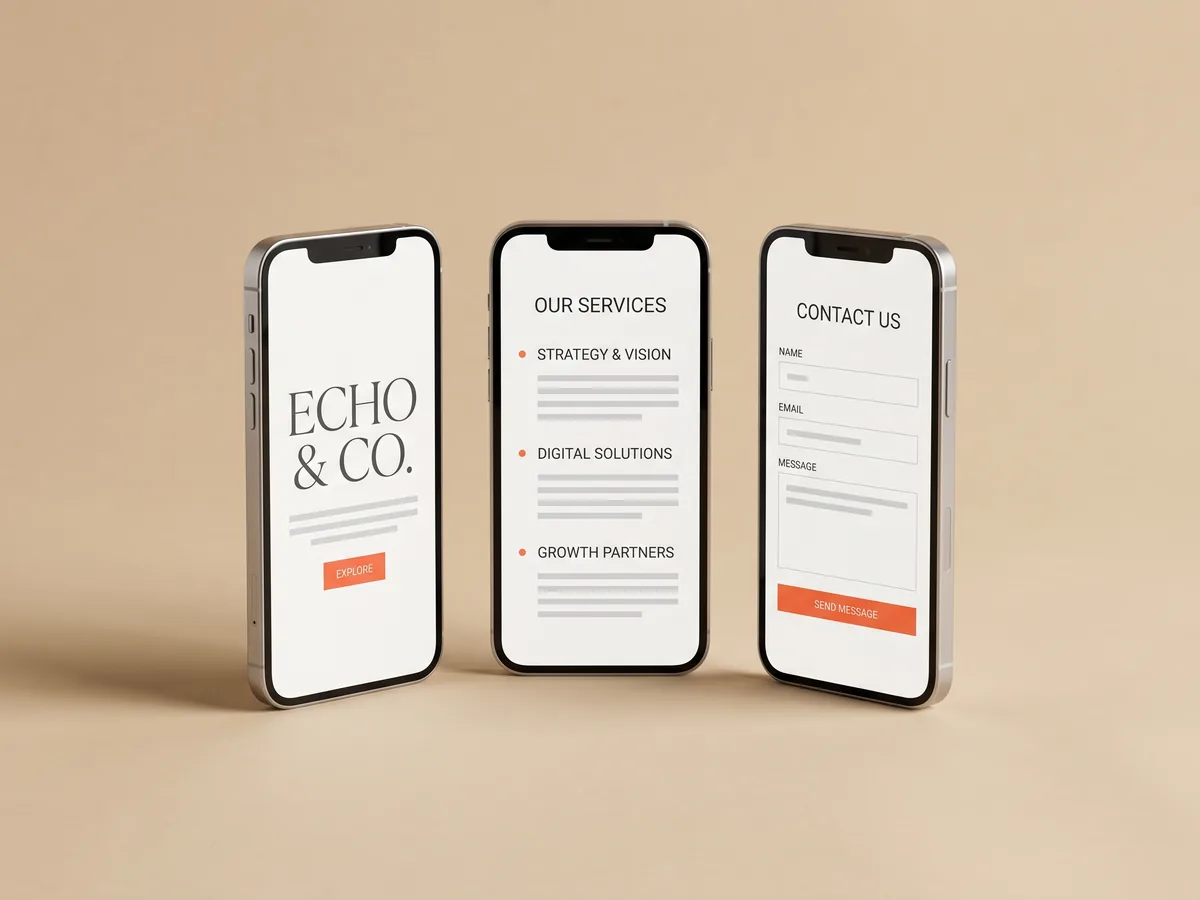
Website hosting that works on every phone
Most visitors will open your address from a social profile or a messenger on a phone. Wraxa sites are built to work on mobile, so booking, request forms and WhatsApp replies work the same on a small screen. Whatever domain you use, the site, the CRM and analytics stay connected in one account. add online booking
Publish my websiteQuestions & answers
Can I publish without my own domain?
Yes. Every Wraxa site can go live on a wraxa.ai address right away. You can connect your own domain at any time later.
How do I connect a custom domain?
1. Add your domain in the Wraxa account.
2. Open DNS settings at the company where you bought the domain.
3. Add the records shown on the setup screen.
4. Wait for the change to take effect, then your site opens on your domain.
Can I buy a domain inside Wraxa?
You connect a domain you own. If you do not have one yet, buy it from any domain registrar and then connect it in Wraxa.
Is hosting included?
Yes. Hosting and an SSL certificate are included in the Wraxa Sites subscription, along with the CRM, booking, analytics and 100 AI tokens per month.
How long does it take for the domain to work?
Your part takes a couple of minutes. After that, DNS changes usually spread within a short time, though some registrars take longer.
Will my own domain help me rank in Google?
A branded domain helps people remember and trust your site, but nobody can promise search rankings. Search traffic depends on your content, your niche and competition.
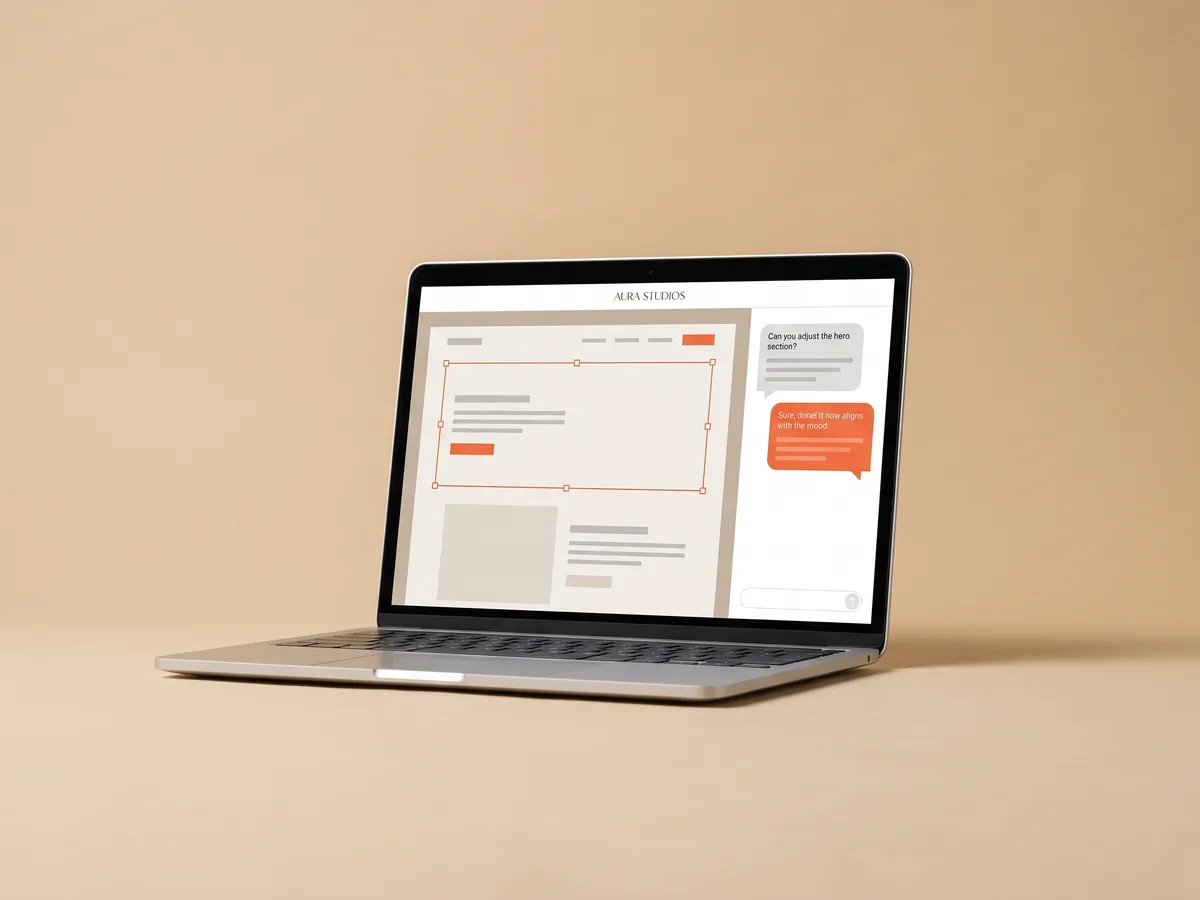

Describe your business and get a website you can edit in plain words.
Publish my website