
Psychologist Website That Makes the First Step Easier
Reaching out to a psychologist is hard, and a vague profile makes it harder. A Wraxa psychologist website calmly explains who you work with, how you work and what a first session looks like. Clients book a session time on their own, or leave a private request that only you see in your CRM.
Create my practice website
How it works
Describe your practice
For example: "Psychologist working with anxiety and burnout in adults, online and in person."
Add your details
Education, approach, session formats and a photo. Set the times clients can book.
Share the link
Use it in your profiles, directories and when colleagues refer clients to you.
A therapist website built on trust
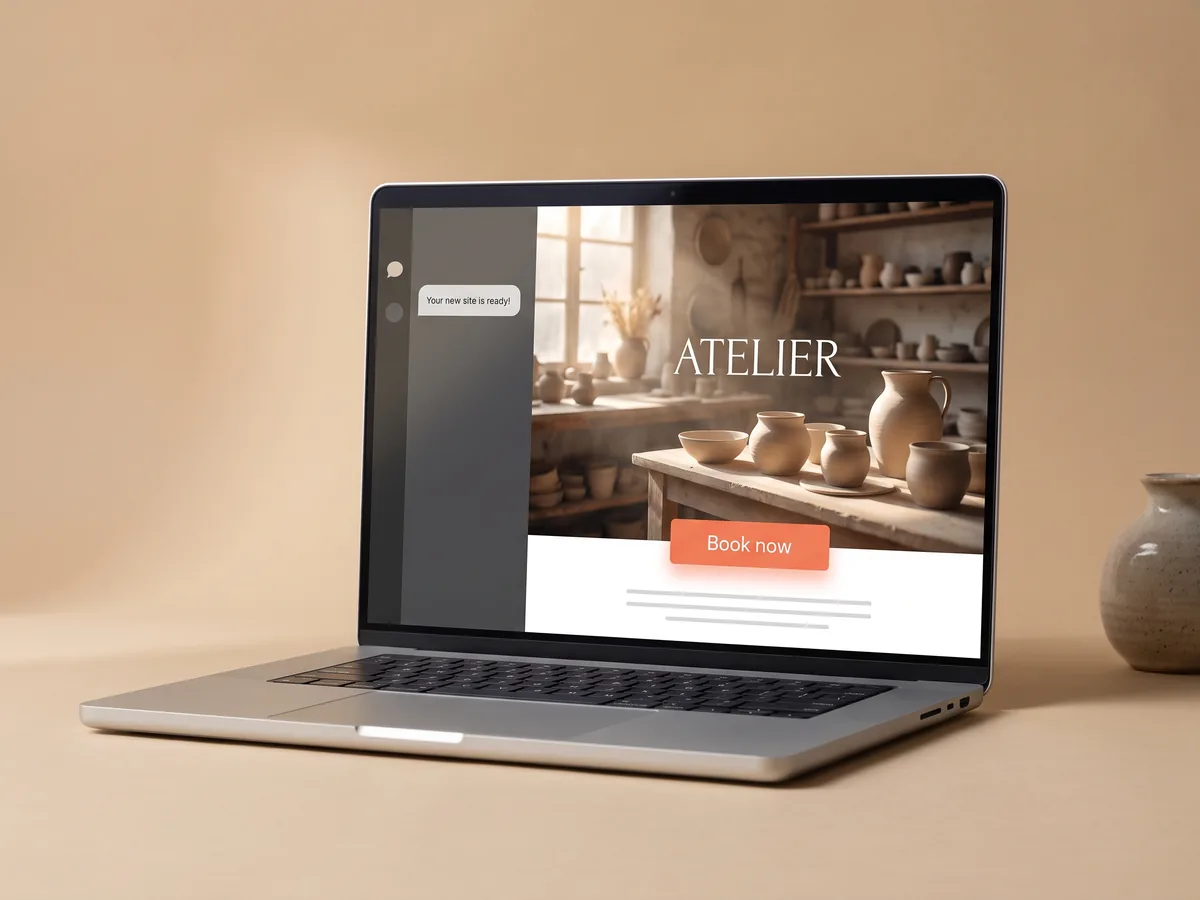
People choose a specialist they feel safe with. A therapist website should introduce you as a person and a professional: who you work with, which approach you use, your education and how sessions are organized. The AI drafts these sections in a calm, respectful tone from your description. Read every line, adjust it to how you speak about your work and add a real photo. draft your site with AI
Create my practice website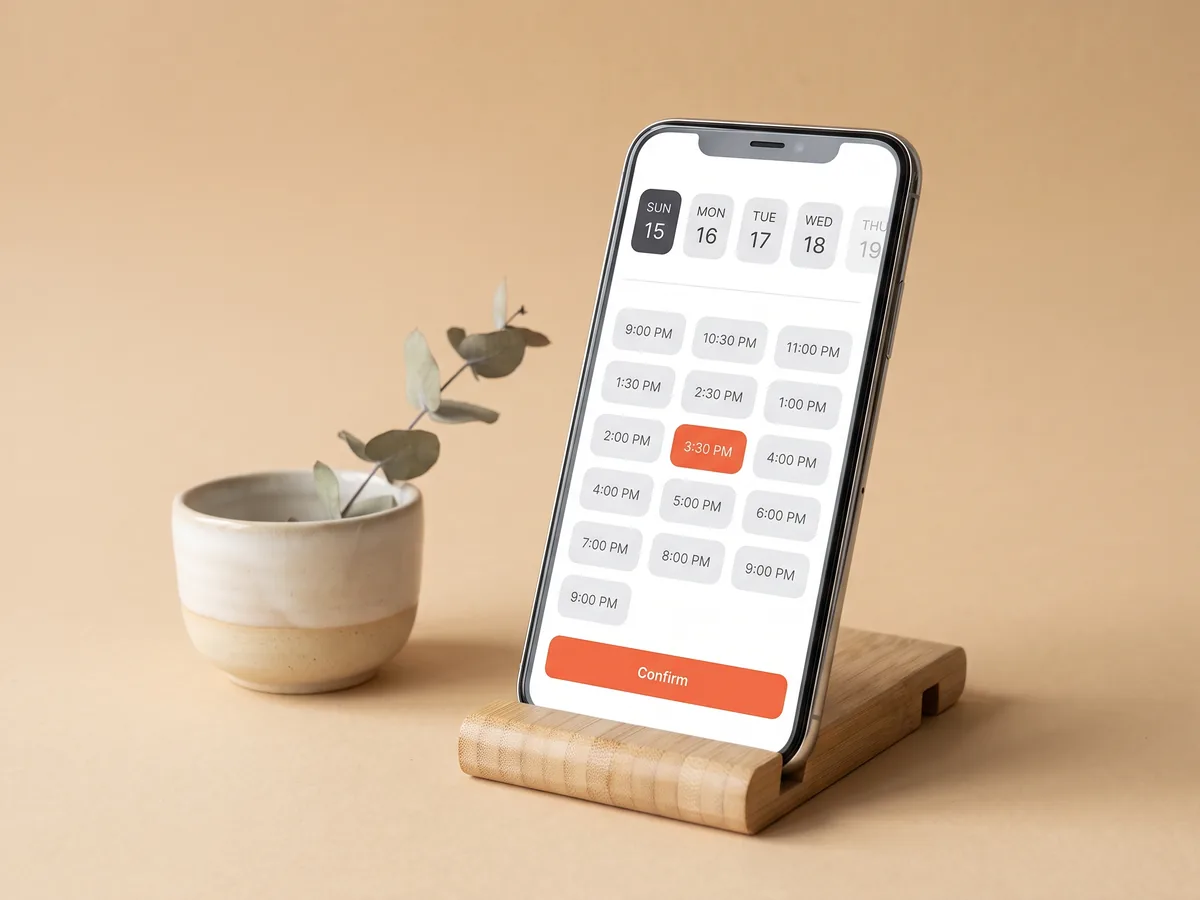
Book a therapy session without awkward messages
Writing "I need help" in a direct message is a big step. Booking on the site makes it smaller: the client chooses a session format, like a first consultation or an online session, picks an open time and confirms. No need to explain everything in writing before the first meeting. You see the booking and prepare without spending evenings coordinating times in chats. set up session booking
Create my practice website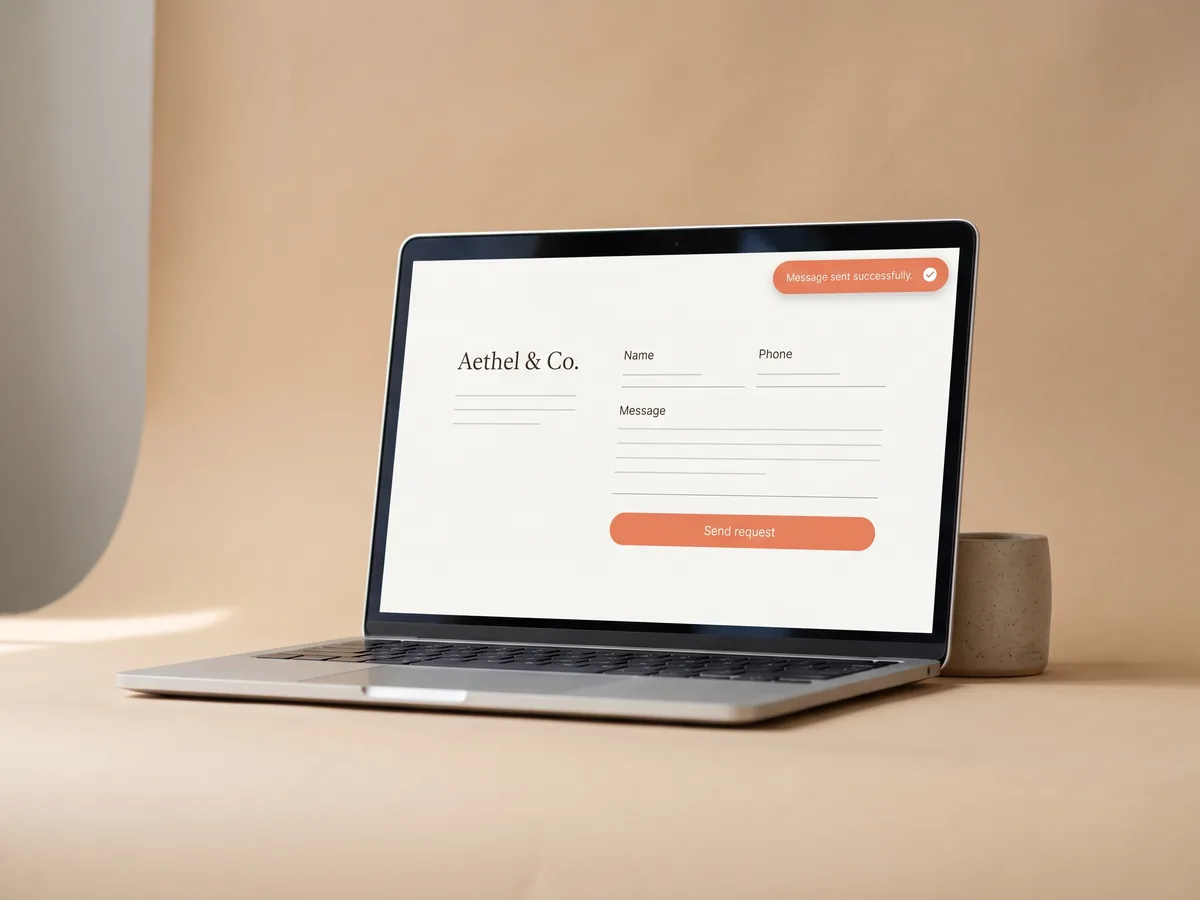
Private practice website with a quiet request form
Some clients want to ask a question first: about your experience with a topic, about online sessions or about fees. A request form on your private practice website sends these questions to the built-in CRM in your account. If the person left a phone number, you can reply on WhatsApp in one tap. Keep the form short and do not ask for sensitive details there. how requests reach the CRM
Create my practice website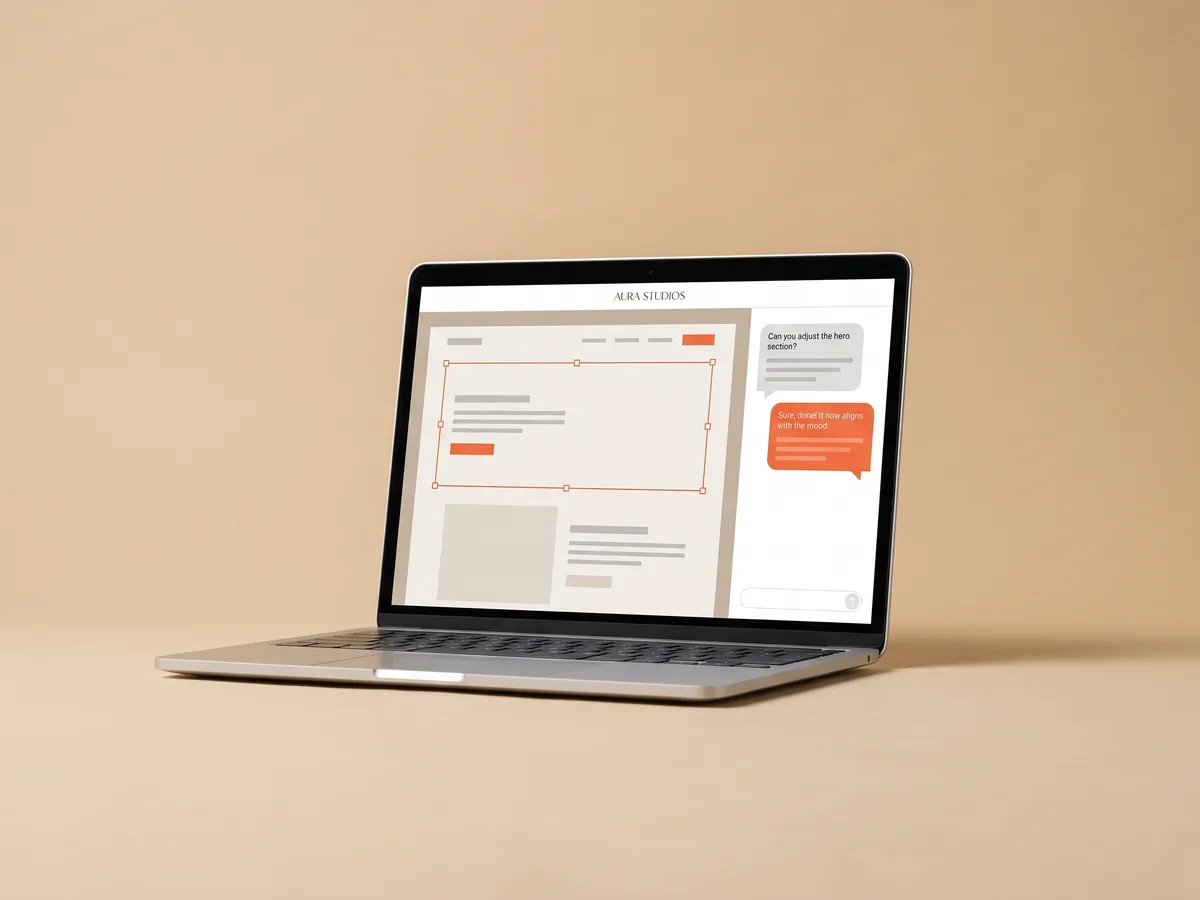
Keep your counseling website accurate
Your practice changes: a new training, a new format, different hours. Update the counseling website in the visual editor or ask the AI in chat to add a section, for example about group sessions. Avoid promising specific outcomes; describe what you do and how. The site works on any phone and can be published on your own domain with hosting and SSL included. update the site with the AI editor
Create my practice websiteQuestions & answers
What should a psychologist website include?
Who you work with, your approach and education, session formats, how a first session goes, contacts and a way to book or ask a question. The AI drafts these sections and you edit them in your own words.
Can clients book a session themselves?
Yes. Add your session types to the booking module, and clients pick a format and an open time slot on the site.
Is it appropriate to use AI-written text for a practice?
Use the AI draft as a starting point. Review every claim, remove anything you would not say yourself and follow the ethical and advertising rules of your profession and country.
Can I hold online sessions through Wraxa?
No. Wraxa Sites is for your website, booking and requests. Run sessions in the video tool you already use.
Will the site bring me clients?
Clients still come from referrals, directories, social media or ads. The site helps people who find you understand your work and book without friction.
Can I use my own domain?
Yes. Publish on a wraxa.ai address or connect a domain you own in a couple of minutes. Hosting and SSL are included.
Tools for this website
AI Website Builder
Two sentences about your business become a ready multi-page website.Online Booking
Clients pick a service and a time slot on your site themselves.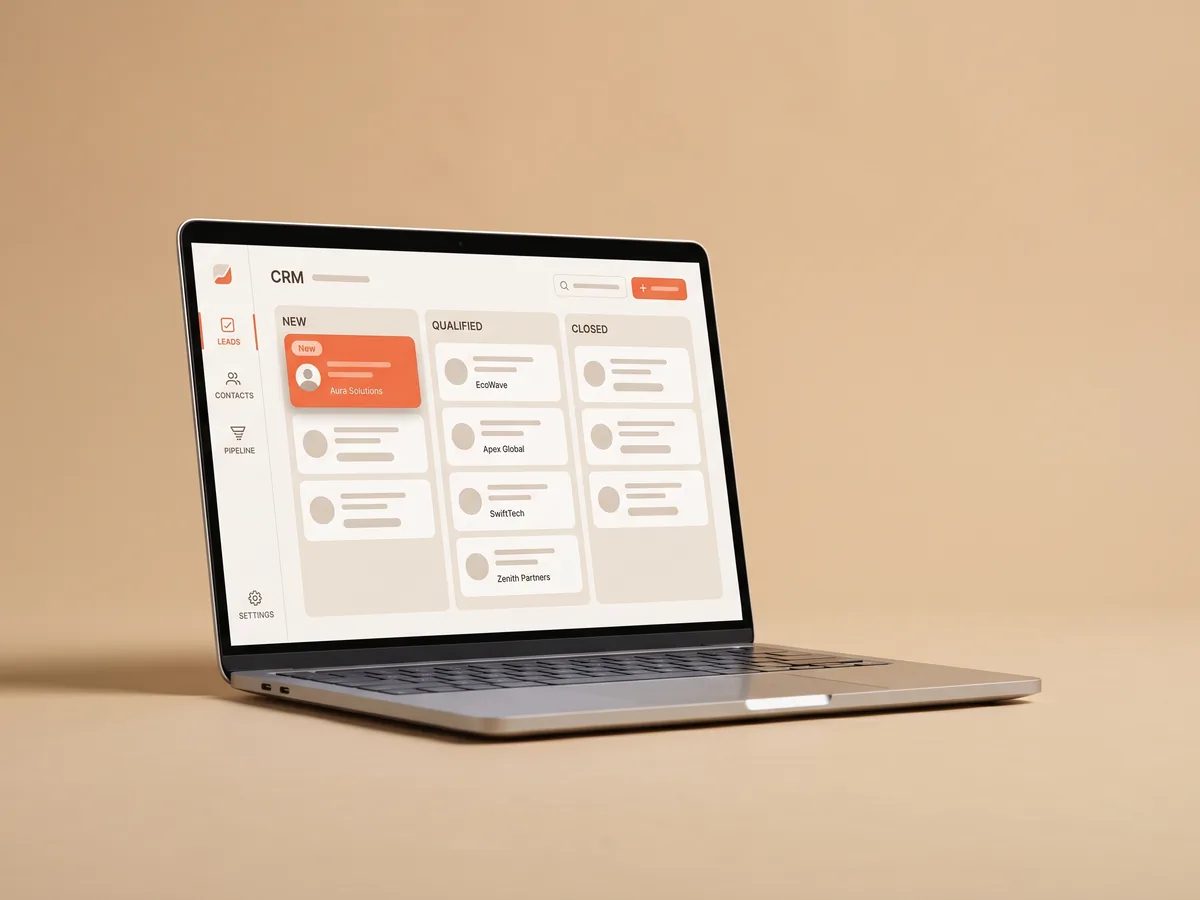
Lead CRM
Every request from your site in one list, ready to answer.
Custom Domain
Go live on wraxa.ai or connect your own domain, with hosting and SSL.
Describe your business and get a website you can edit in plain words.
Create my practice website