
Website Analytics That Shows Which Channels Bring Clients
You post on social media, run an ad, hand out flyers, and then wonder what actually worked. Wraxa's built-in analytics shows how many people visited your site, where they came from and how many left a request. No tracking code, no separate dashboards, just the numbers a small business needs to decide where to spend its time.
See my analytics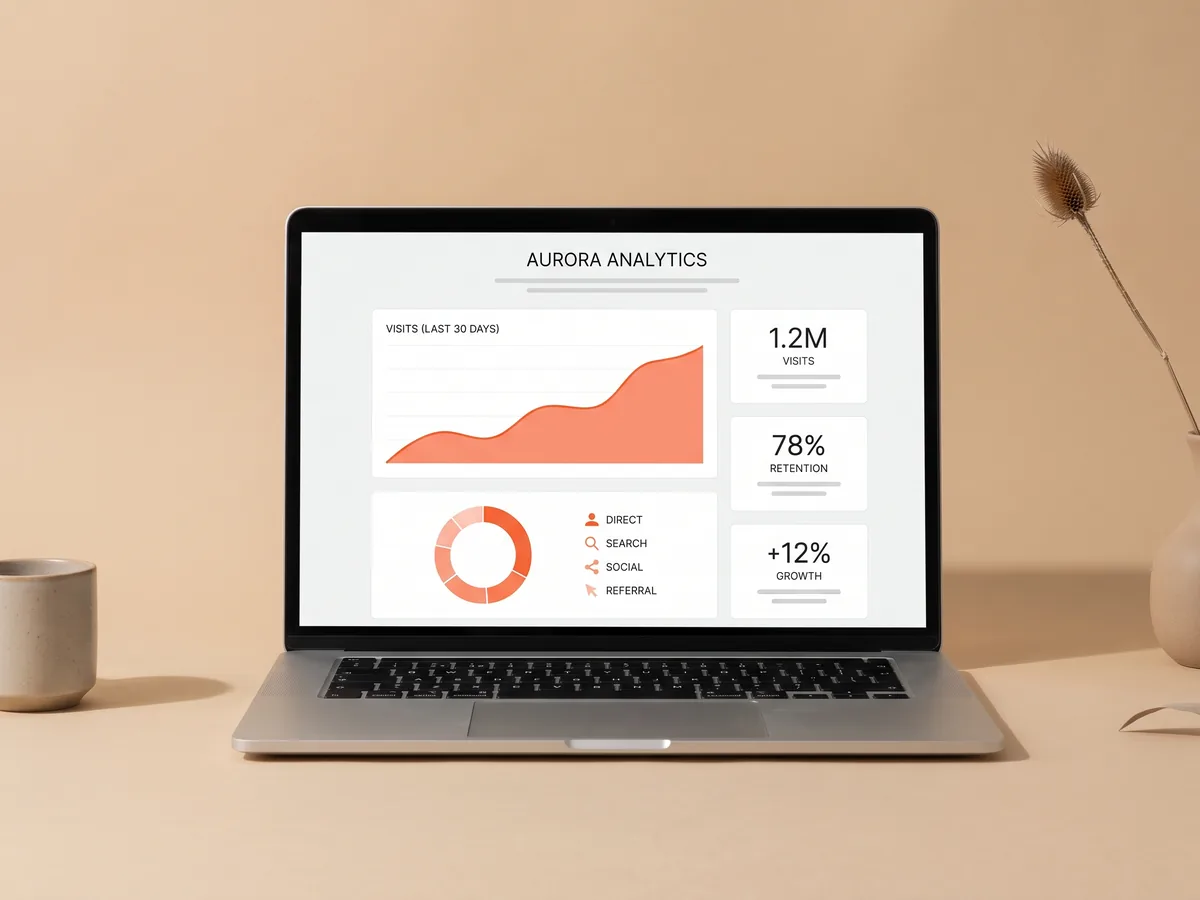
How it works
Publish your site
Analytics is part of every Wraxa site and starts counting once it is live.
Share your link
Post it on social media, in ads, on maps and in messages as usual.
Check the numbers
See visits, traffic sources and leads, and compare how channels perform.
Traffic sources: know where visitors come from
Your site gets visitors from many places: an Instagram bio, a Google search, a paid ad, a link a friend sent. Analytics groups visits by traffic sources, so you can see which of them actually send people to your site. If most visits come from social media, that is where your next post matters; if ads bring visits but no requests, it is time to look at the offer. build a landing page for an ad
See my analytics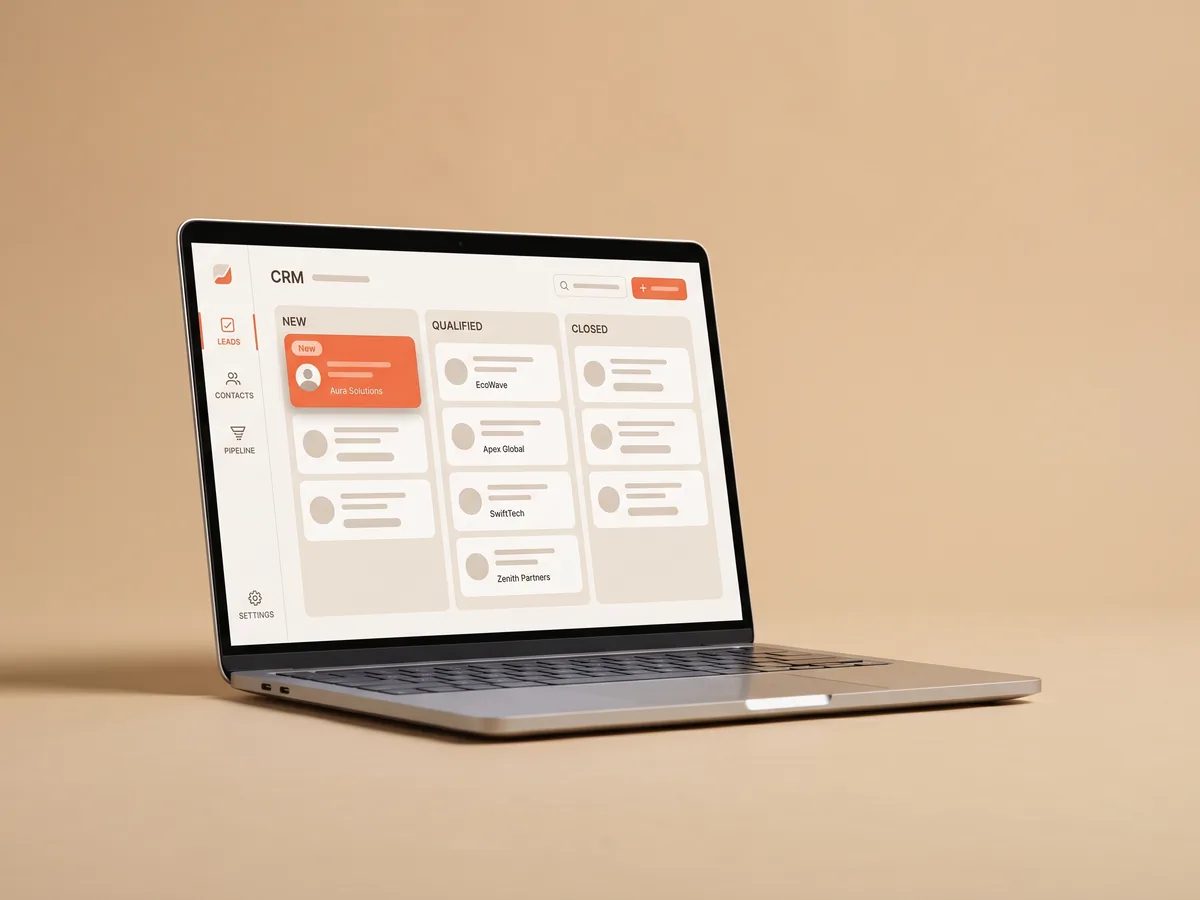
From website visitors to leads
Visits alone do not pay the bills. Wraxa shows website visitors next to the number of leads they produced, so you see whether the site converts interest into requests. When visits grow but leads do not, the page needs a clearer offer or a simpler form. When leads grow, you know the change worked. All requests themselves wait for you in the CRM. open your leads in the CRM
See my analytics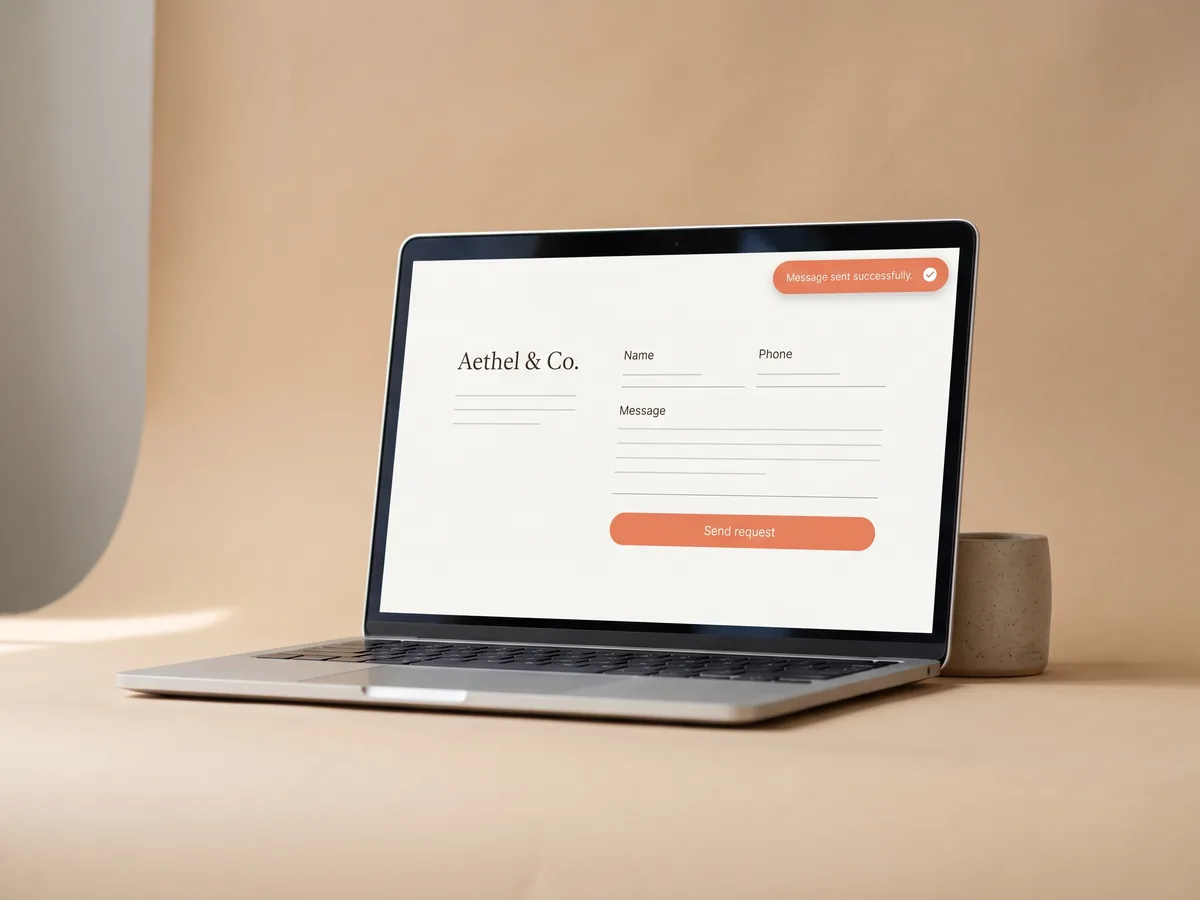
Lead tracking without tracking code
Setting up analytics usually means installing tags, connecting accounts and configuring goals. On a Wraxa site lead tracking is already in place: form submissions are counted automatically, because the forms and the analytics live in the same product. You can still share your site anywhere you like; the numbers collect in one account without extra setup. answer new leads on WhatsApp
See my analytics
Small business analytics you will actually read
Big analytics suites show hundreds of reports that a salon owner or a contractor will never open. Small business analytics in Wraxa sticks to three questions: how many people came, where from, and how many asked for your service. That is enough to stop guessing, drop channels that do nothing and put more effort into the ones that bring clients. improve the page with the AI editor
See my analyticsQuestions & answers
What does Wraxa analytics show?
Visits to your site, the traffic sources they came from and the number of leads, meaning requests submitted through your site's forms.
Do I need to install Google Analytics?
No. Analytics is built into every Wraxa site and starts working when you publish.
Can analytics tell me which ad works better?
It shows which sources bring visits and leads to your site. Comparing periods or channels helps you see what works, but detailed ad metrics, like cost per click, stay in your ad account.
Will Wraxa increase my traffic?
No. Wraxa does not bring visitors by itself; they come from your ads, social media, search and referrals. Analytics helps you see which of those efforts pay off.
Is analytics included in the subscription?
Yes. The Wraxa Sites subscription includes analytics, one published site, the lead CRM, online booking and 100 AI tokens per month.


Describe your business and get a website you can edit in plain words.
See my analytics